13 Run Pool
13 Run Pool: An engaging online game for Major League Baseball fans.
Like bingo for baseball.
The Goal
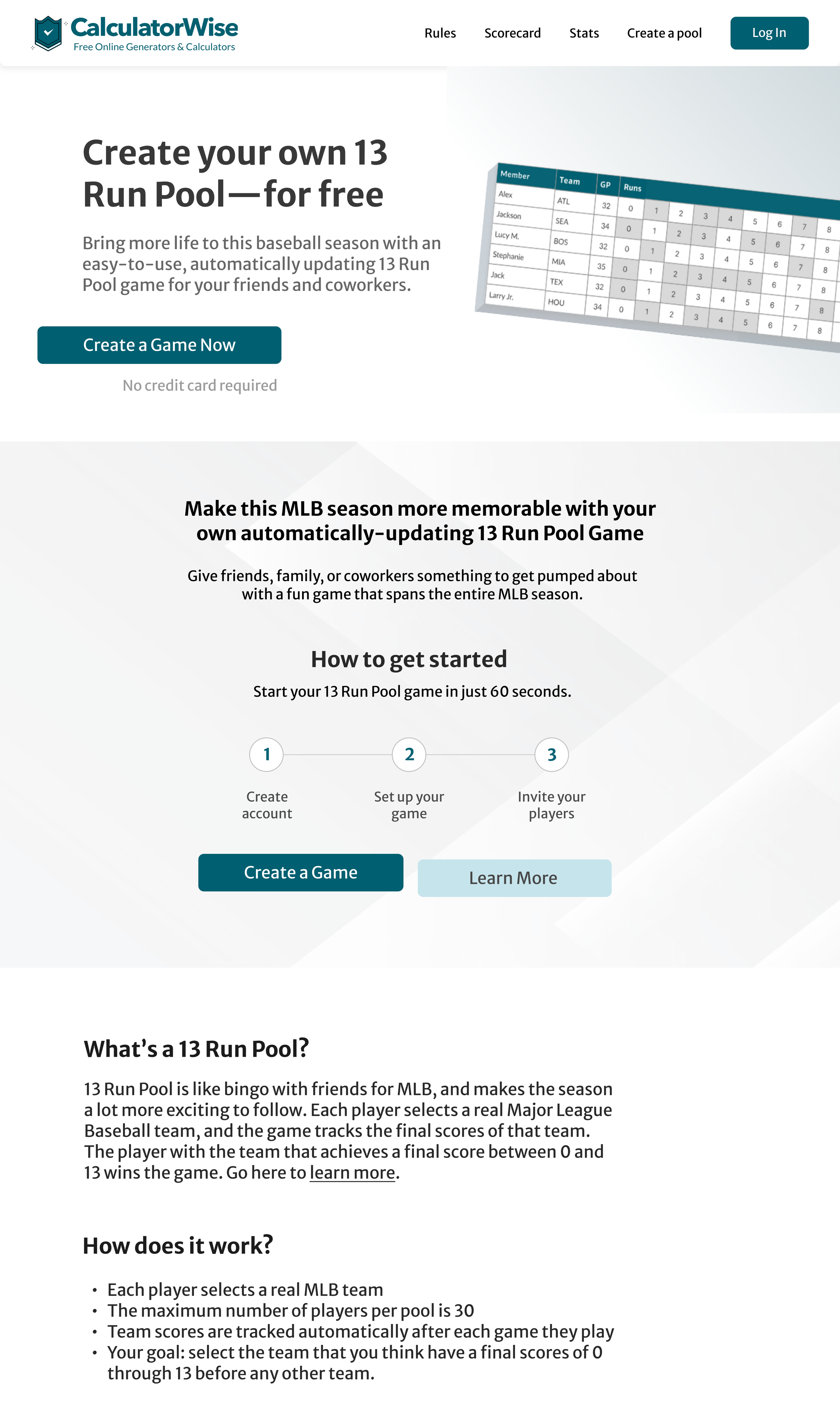
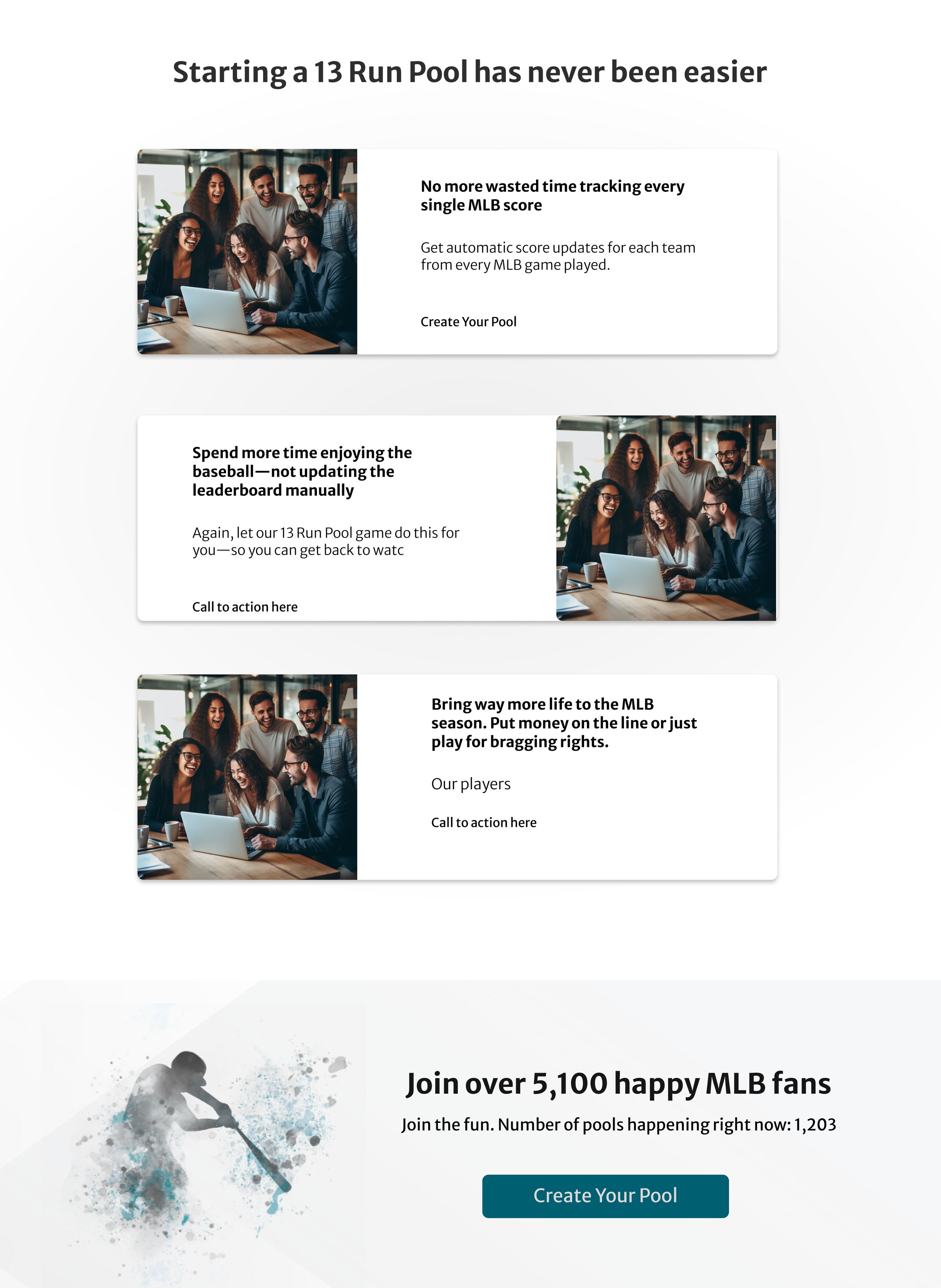
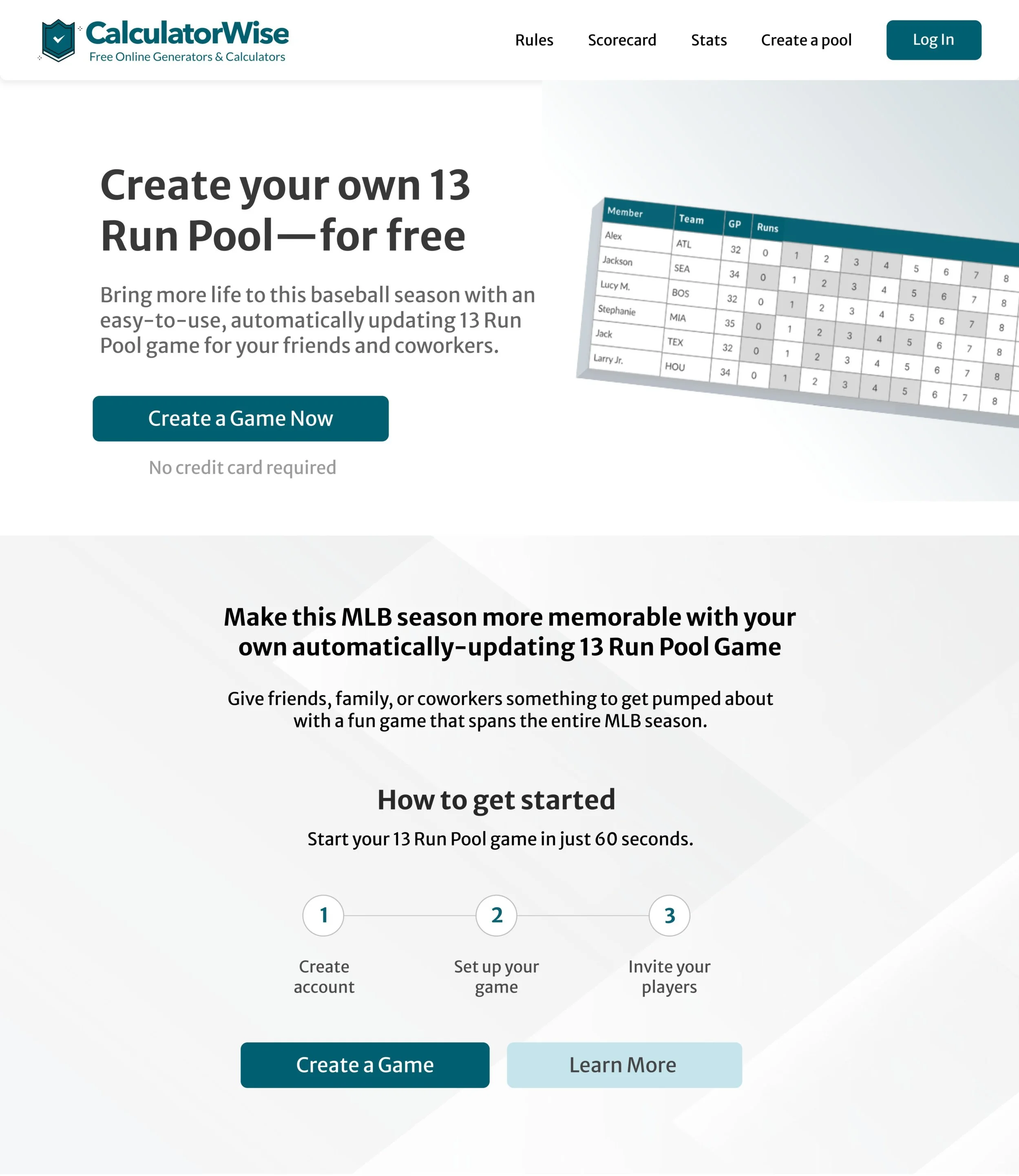
Create an intuitive, easy-to-understand, and easy-to-start interface for 13 Run Pool, with a visually engaging design.
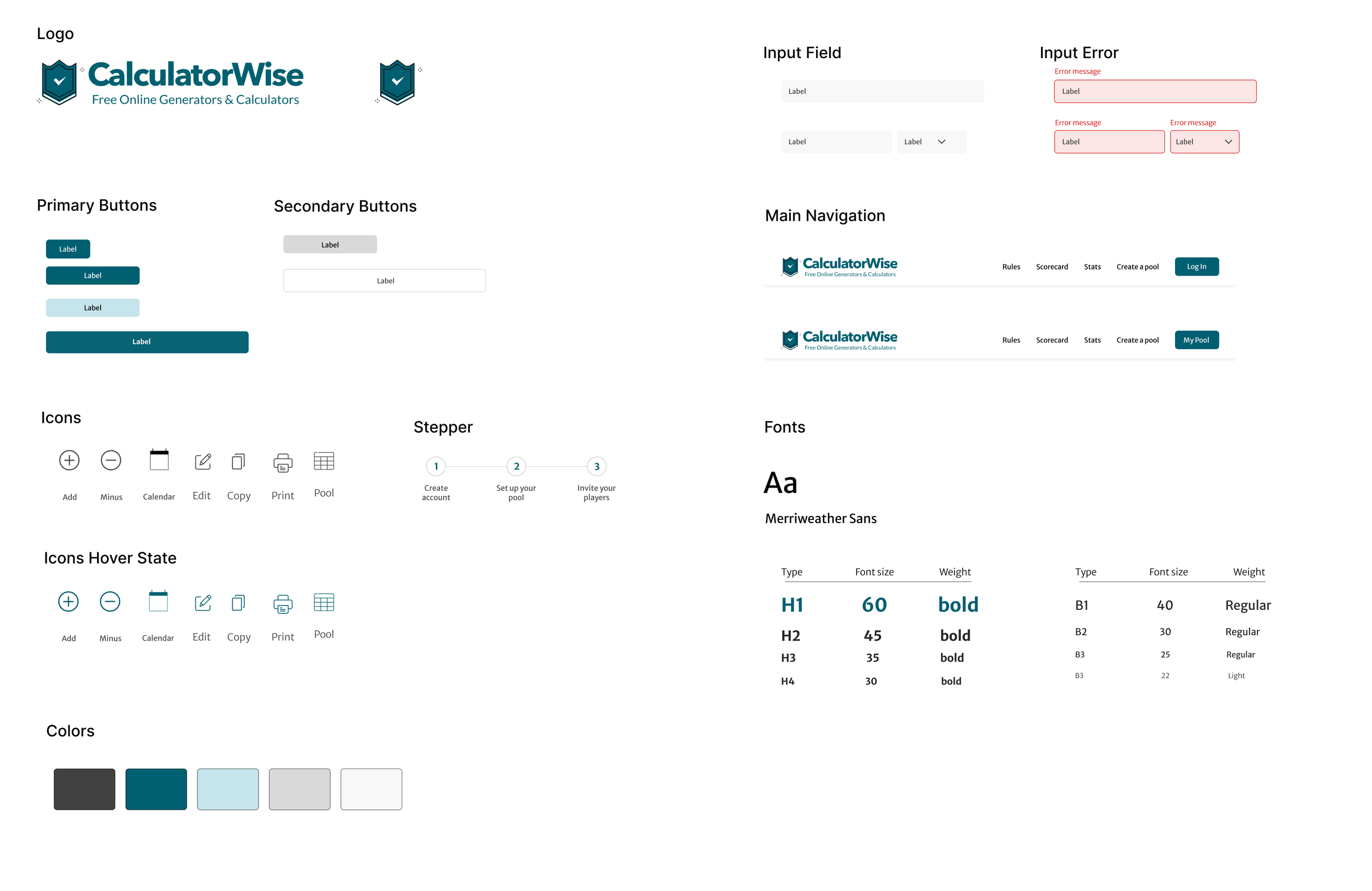
Simplify the design with clear text and icons
Create a step-by-step walkthrough on how to play the game
Include clear visuals and universal icons
Develop a visually appealing, on-brand login page.
Discovery
High Demand - 13 Run Pool has between 5,000 and 30,000 searches on Google a month.
Opportunity - My client discovered that the current 13 Run Pool web apps are outdated, expensive, and difficult to get started/use.
Ideal Solution - Easy-to-use interface, easy to get started, free or very low cost, with a modern look and feel.
Project Overview
13 Run Pool serves as an extension to the well-established web application, CalculatorWise. This web app offers users an engaging online game tailored for sports enthusiasts, office pools, social gatherings, and family get-togethers.
Within this project, my role was to design an intuitive, user-centric interface, with a seamless game setup process that enhances the overall user experience.
My Role
Role: UX Designer
Client: CalculatorWise
Tool: Figma/Miro/ChatGPT
👉 👉 Important Note
I am currently still designing this web app, and have not yet completed the case study for my portfolio.
I’ve attached a link below to all wireframes and prototypes. 👇
The remainder of my case study will be broken up in the following order, if you’re interested!
📚 User Research - this will include images + descriptions of my user journey map, user flow, user personas, and extensive competitive analysis.
📝 Sketches and Wireframes - exactly as it sounds! This section will include images + descriptions of my quick sketches and wireframes.
🔍 Usability Study - This will include a description of the insights and data I collected during the study, as well as the changes I made to the wireframes.
🖊 Prototype - Here I’ll include images of a user flow and the final prototype images.
📈 Next steps, challenges, and key metrics - Include what steps we want to include next, such as creating a mobile app. As well as challenges we encountered, and what metrics we will use to study the success of the web app.